Custom PC Tycoon Tools
Two planners for the next purchase, not a replacement for placing a PC.
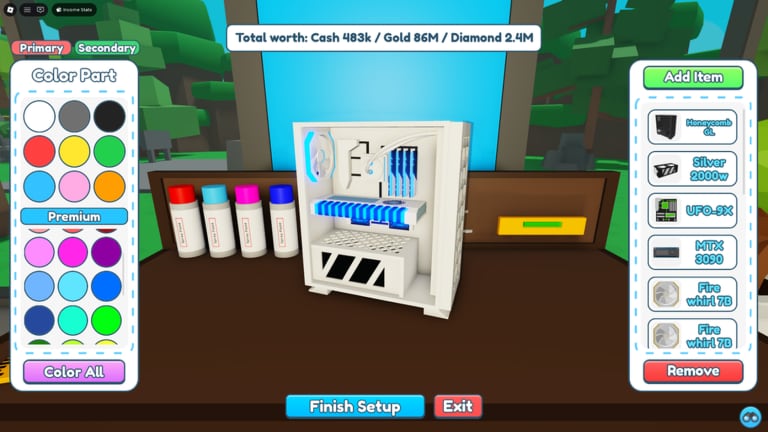
Guides tell you what to do. These tools help you pick the next spend. Nothing here talks to Roblox. Numbers stay in your browser.
- Income calculator — compare podium, desk, and server counts against a part-value band, with an optional Premium 10% toggle.
- Progression checklist — tick the eight podiums, five desks, converters, and shop unlocks.
Use them after you understand the loop on getting started and make money. A calculator cannot redeem codes or seat a GPU.
When to open the calculator
Open it when two upgrades cost about the same pile: podium six versus a GPU, desk two versus a Diamond card, one more rack versus a Sunstone case. The score is relative. The game never published a public formula, so we model “more pads × higher band × Premium.” Treat the output as a tie-breaker, not as Cash per tick.
When to open the checklist
Open it when you rejoin after a week and cannot remember whether podium seven is bought. Shed upgrades have historically required the podium row. Skipping a 1,000 Cash pad is the leak the early-game tier list marks as D.
What these tools will not do
They will not auto-buy. They will not inject a script. They will not track your live wallet. If you want official news, use links. If you want part names, use items.
Related pages
Sunstone before you toggle the Sunstone band. Desks and servers before you drag those sliders to the max. Changelog if a new set just changed what “high band” means.
Tools after a patch
A new cash set does not break the calculator. It changes what cash band means. A new desk set does not break the checklist. It may add a cosmetic you can ignore. Read the changelog, then come back here.
If you wanted codes, you wanted the Codes Hub. If you wanted ranks, you wanted the tier list. These two tools exist so you stop arguing with a friend about whether podium six or a GPU is next. Fill the sliders honestly and go buy the winner.
Two tools, two jobs
The calculator answers which spend. The checklist answers which gate. Do not use the calculator to remember whether desk three exists. Do not use the checklist to compare a GPU and a rack.
If you are new, open the checklist first. If you are stuck between two SKUs, open the calculator. Then leave this hub and play. Getting started and make money are still the real tools.
Frequently Asked Questions
Quick answers to the most common questions.
Are these Custom PC Tycoon tools official?
No. They are fan planners that run in your browser and never touch the Roblox client.
Does the income calculator show exact Cash?
No. It shows a relative score so you can compare pads and part bands.
Does the checklist save?
Yes, in this browser's local storage. Clearing site data clears the ticks.
Can a tool redeem codes?
No. Use Settings in-game. The how-to-redeem page has the clicks.